



Accessibility on GigaTV devices
Our GigaTV devices (Gen3 and Gen4) offer a range of features designed to help people with different abilities use the service more easily and comfortably. The main accessibility features include:
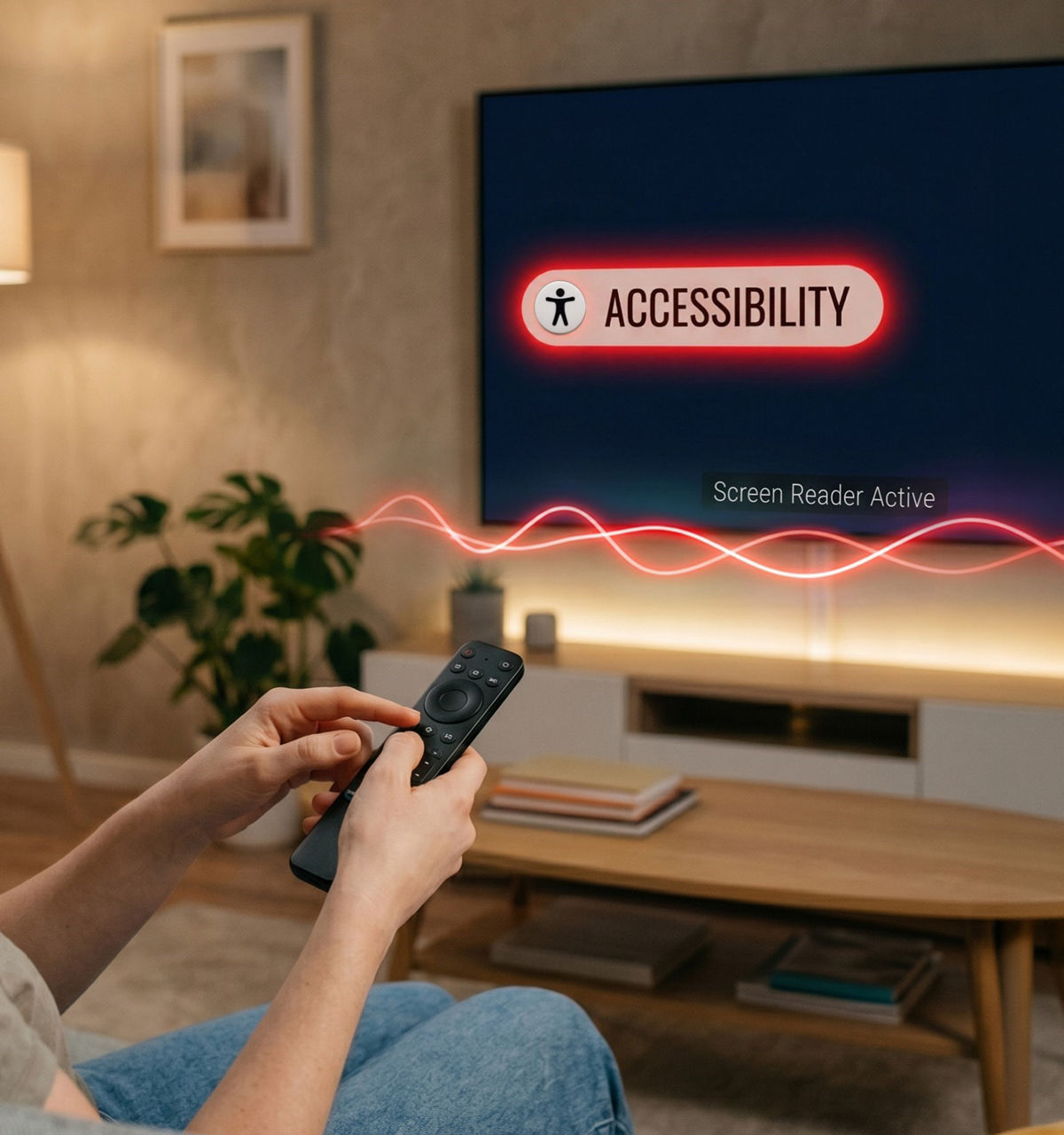
How to find accessibility features:
- Press the Home (⌂) button
- Go to Settings (⚙)
- Select System Settings
- Then choose Accessibility
FAQ's
What is accessibility in Vodafone TV?
What accessibility features does Vodafone TV offer?
How can I enable subtitles on Vodafone TV?
Does Vodafone TV support assistive technologies?